ZTexturator
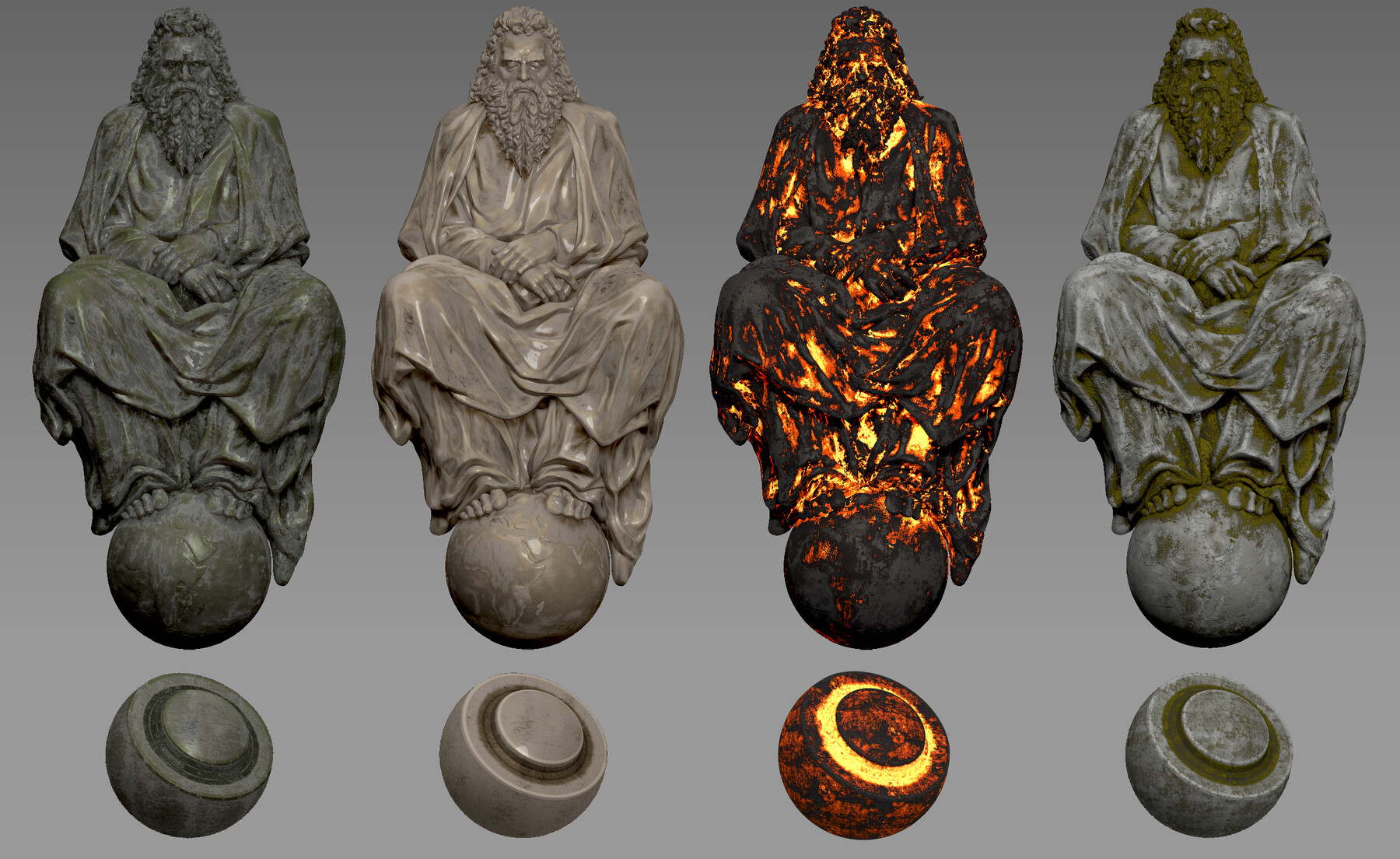
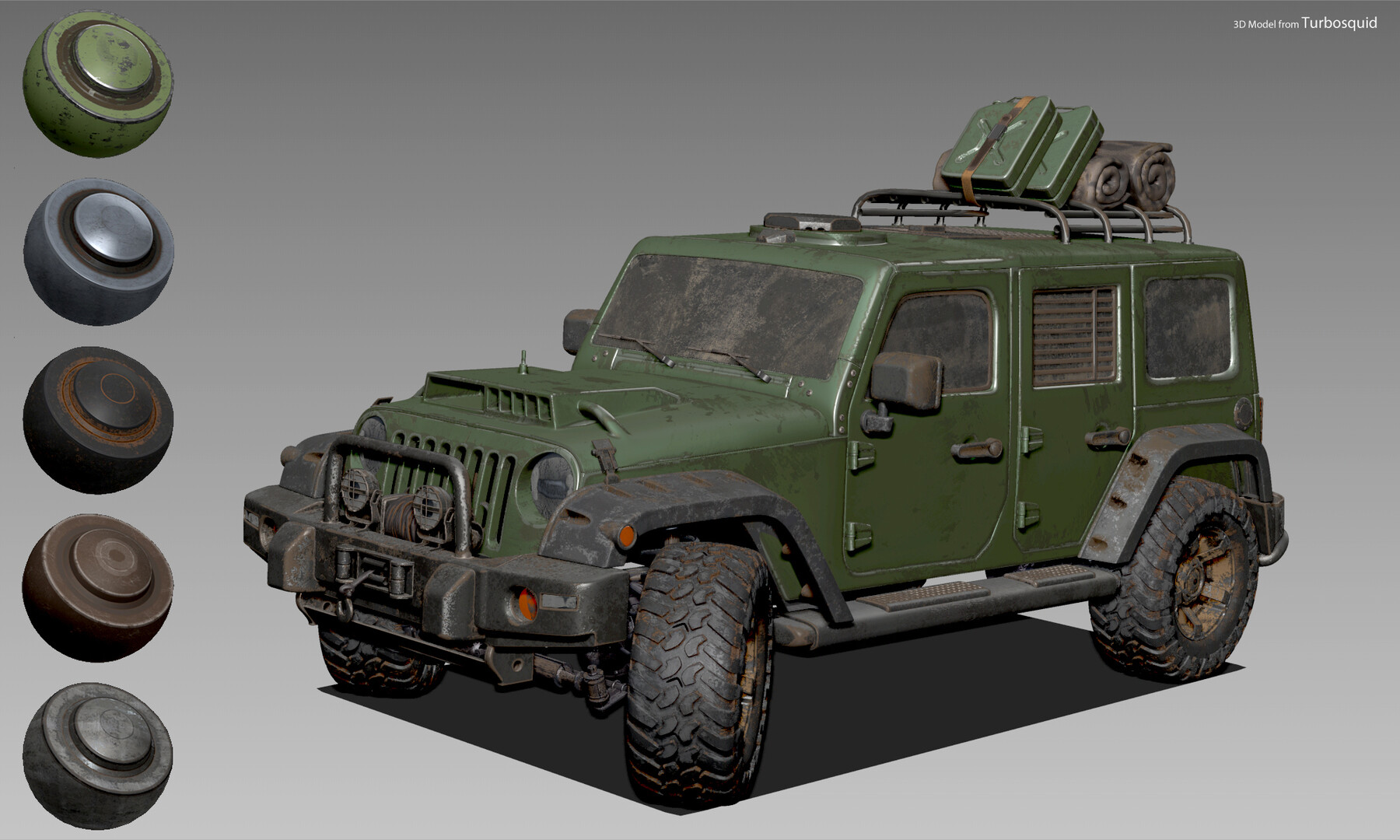
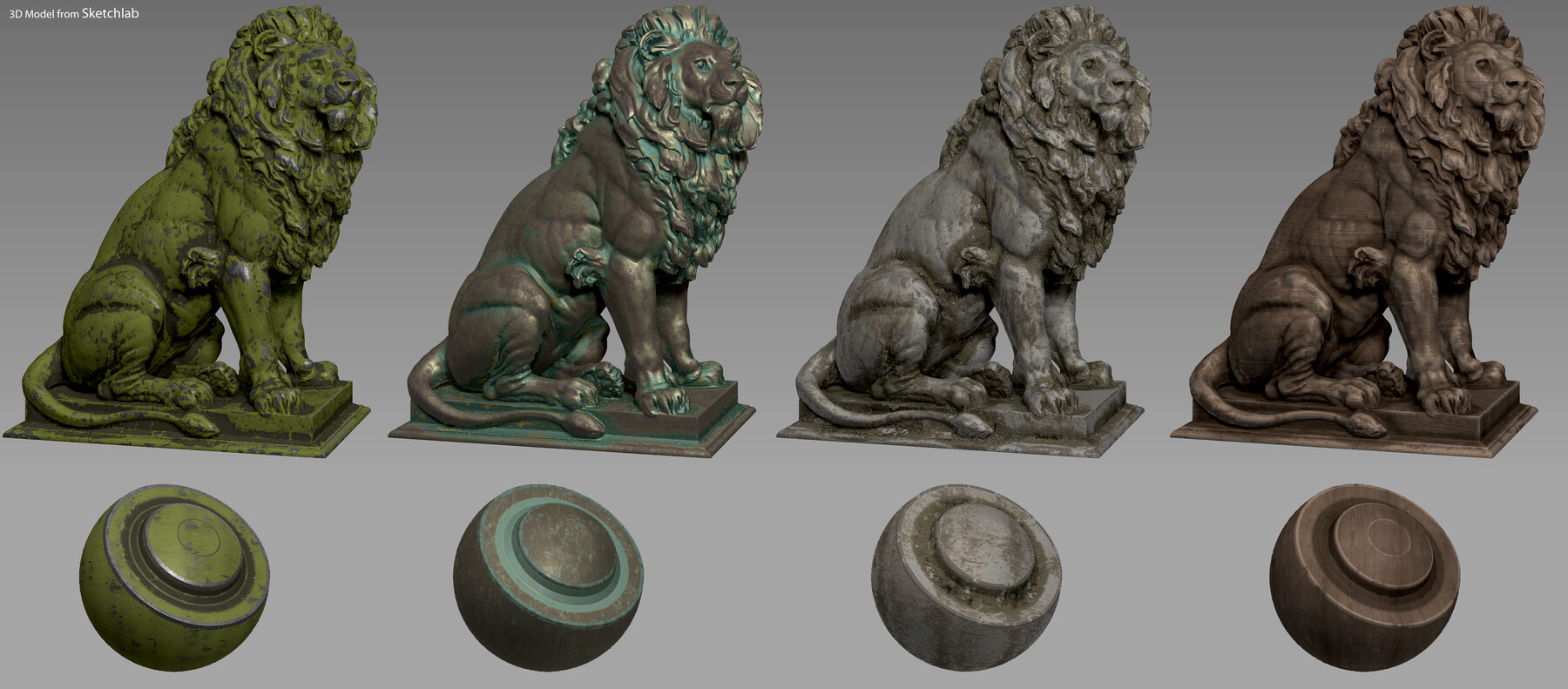
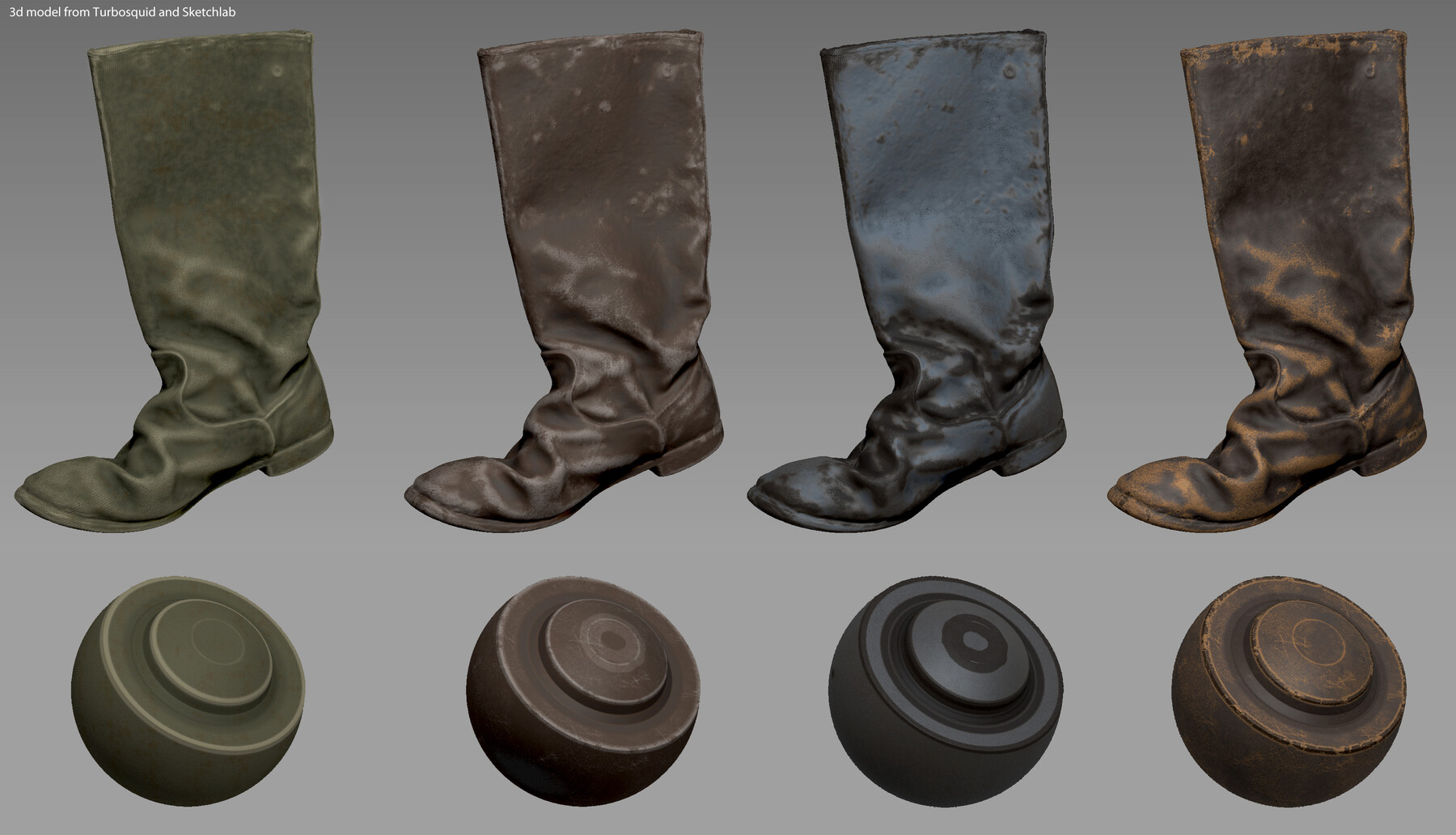
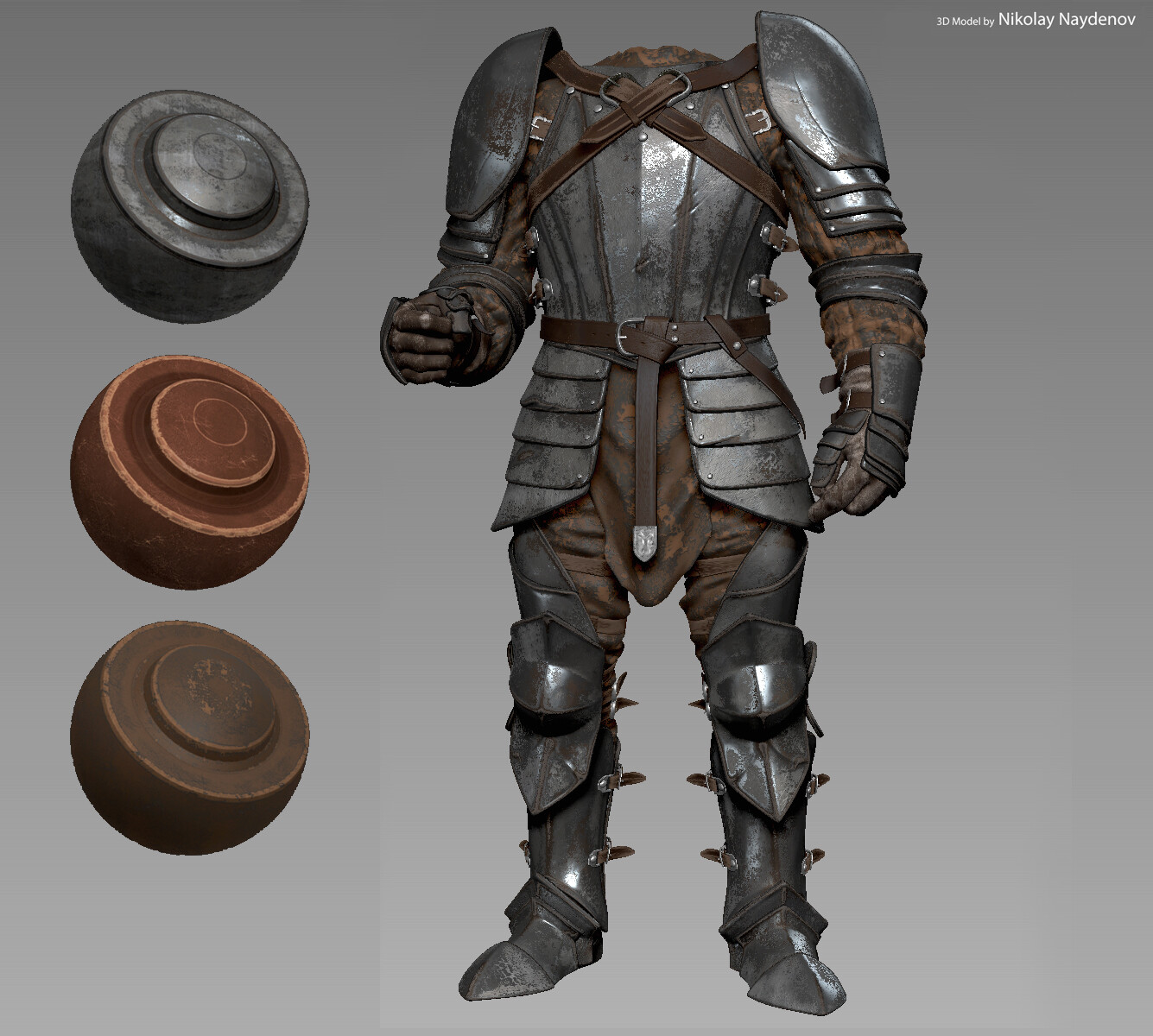
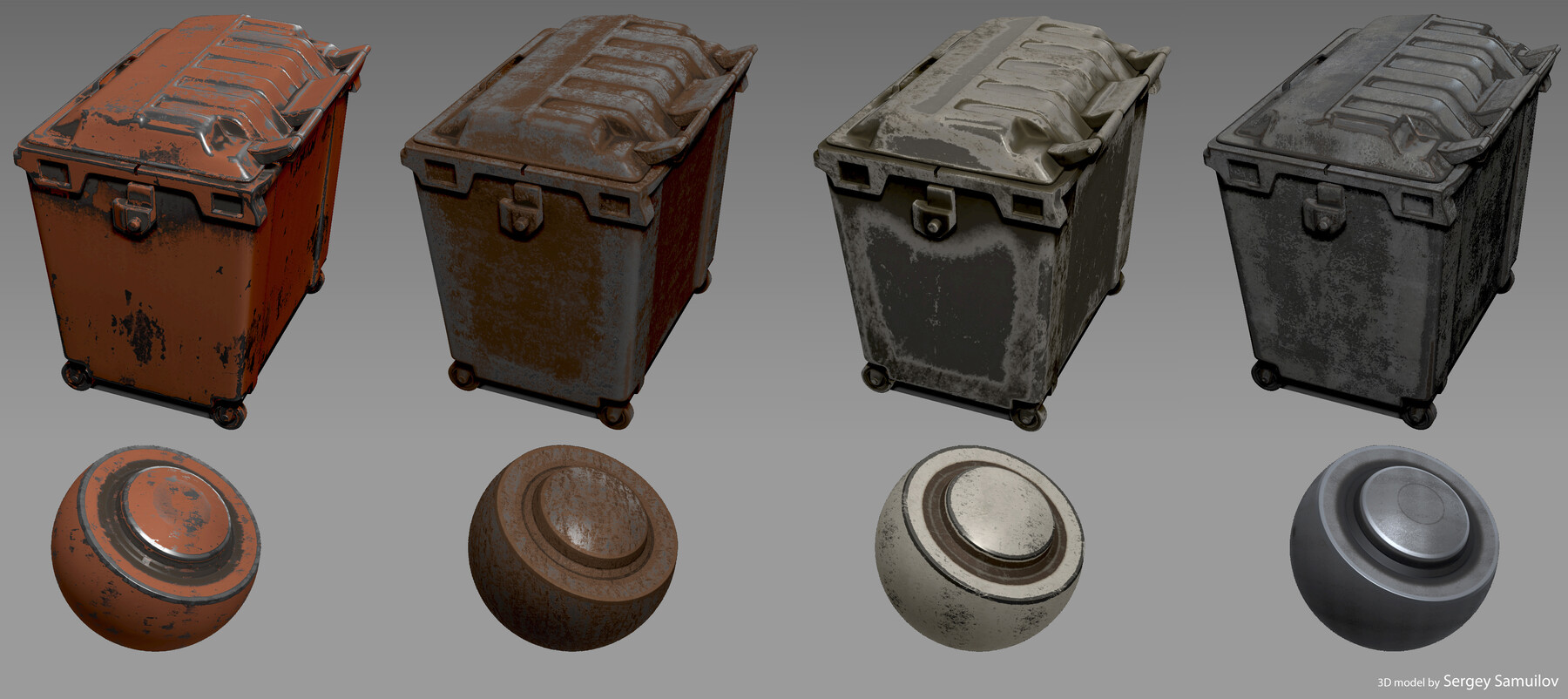
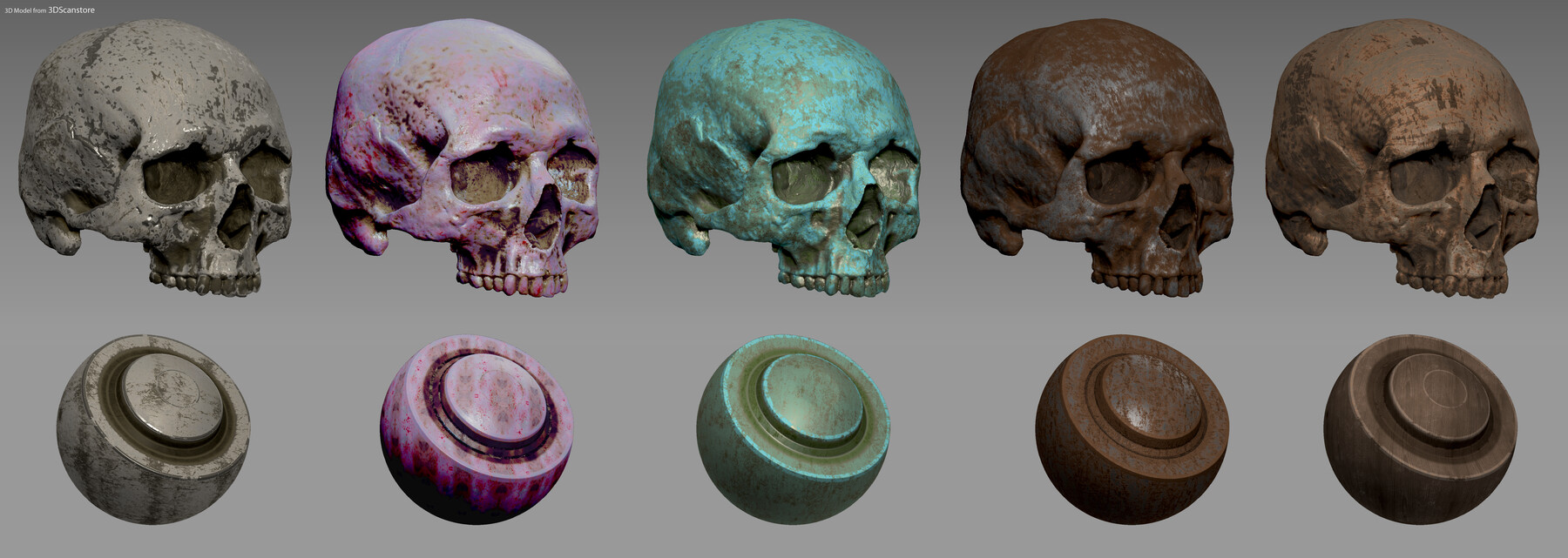
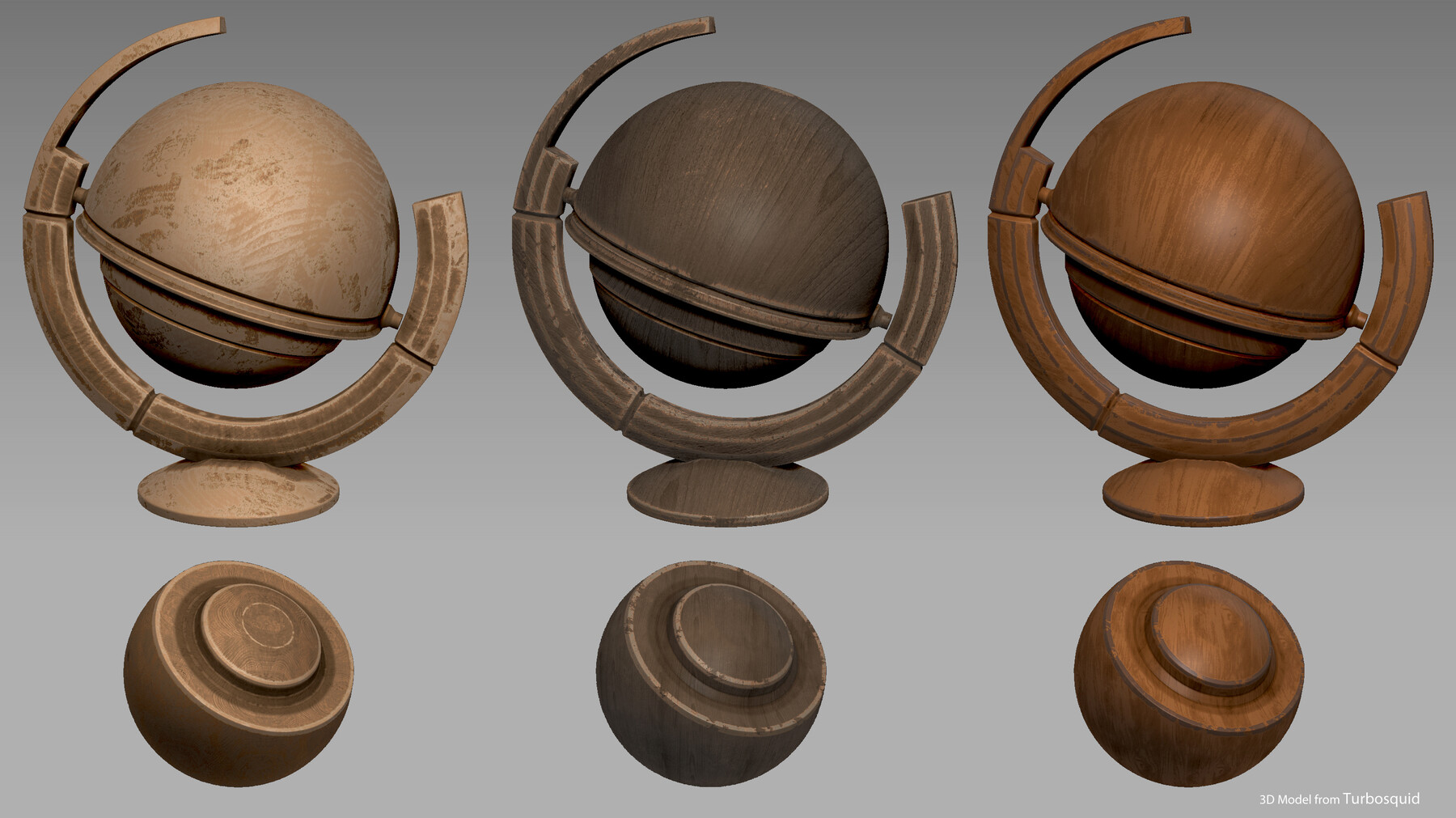
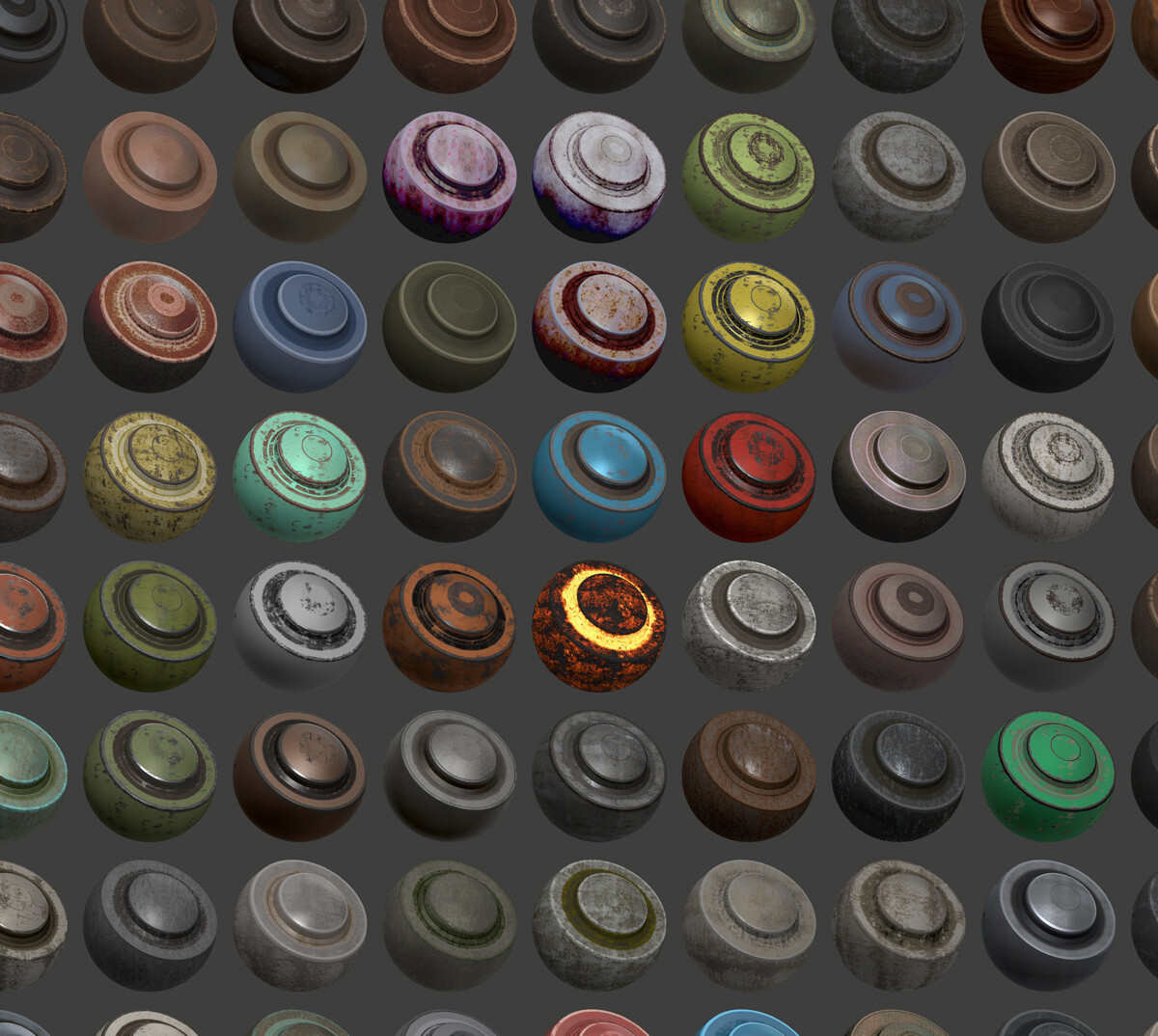
ZTEXTURATOR plugin for Zbrush
Supported Zbrush versions:
Zbrush 2020 Win / OSX
Zbrush 2021 Win / OSX
Zbrush 2022 Win / OSX
Zbrush 2023 Win / OSX
Zbrush 2024 Win / OSX
Zbrush 2025 Win / OSX
Zbrush 2026 Win / OSX
IMPORTANT! Before you buy the product please make sure you have read the sections: LICENSE , REFUND and ACTIVATION CODE
- ALL NEW UPDATES WILL BE FREE: If you get ZTexturator all of the next updates which will contain more smart presets, new features etc. wil be free for you. You just need to re-download the plugin and re-install it. This goes to both LITE and PRO license.
- ZTEXTURATOR use polypaint to paint the textures on your model. For the best result, make sure you have: Correct UV Map, more than one subdivision level and enough polycount.
- MAIN FEATURES
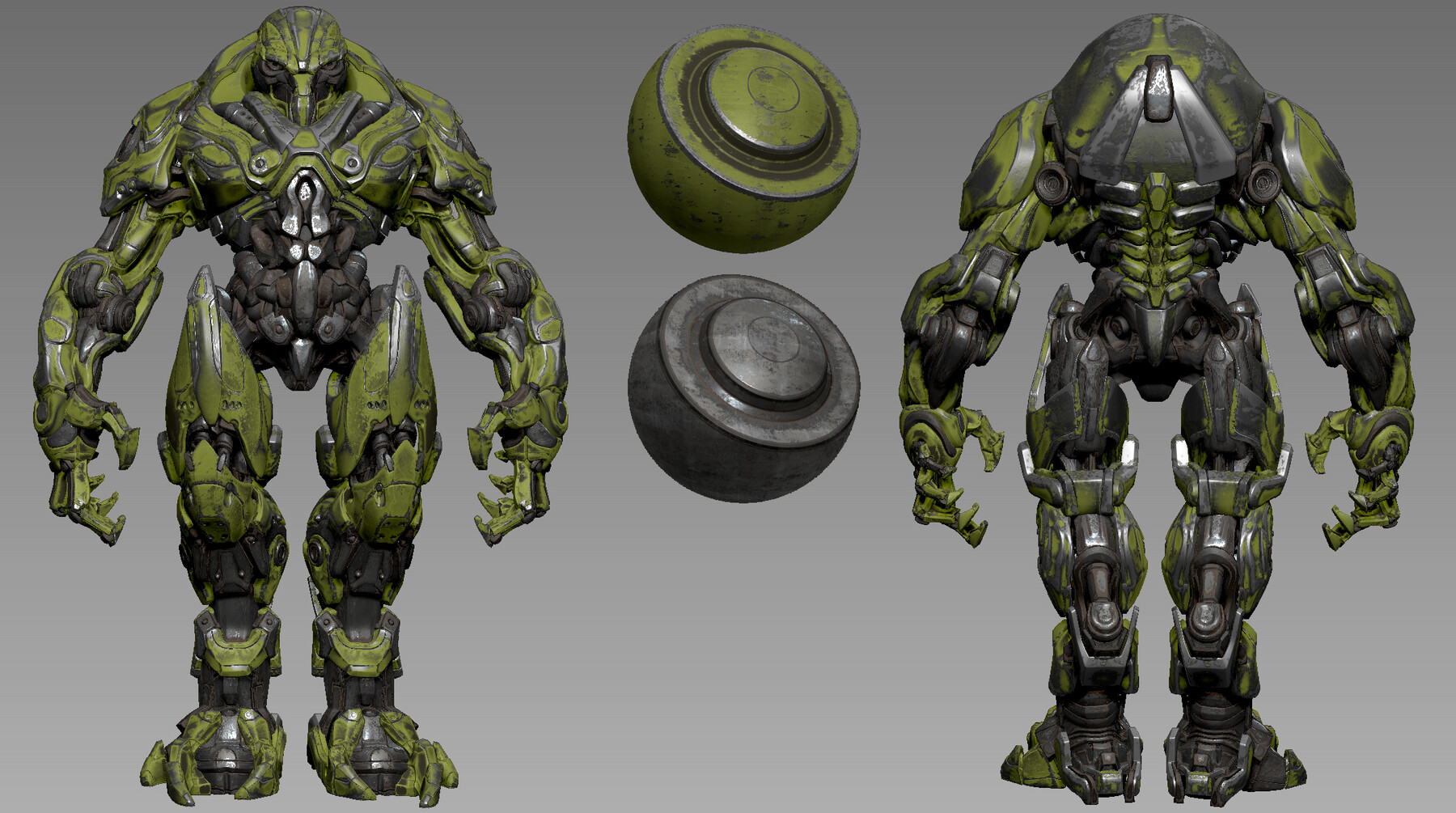
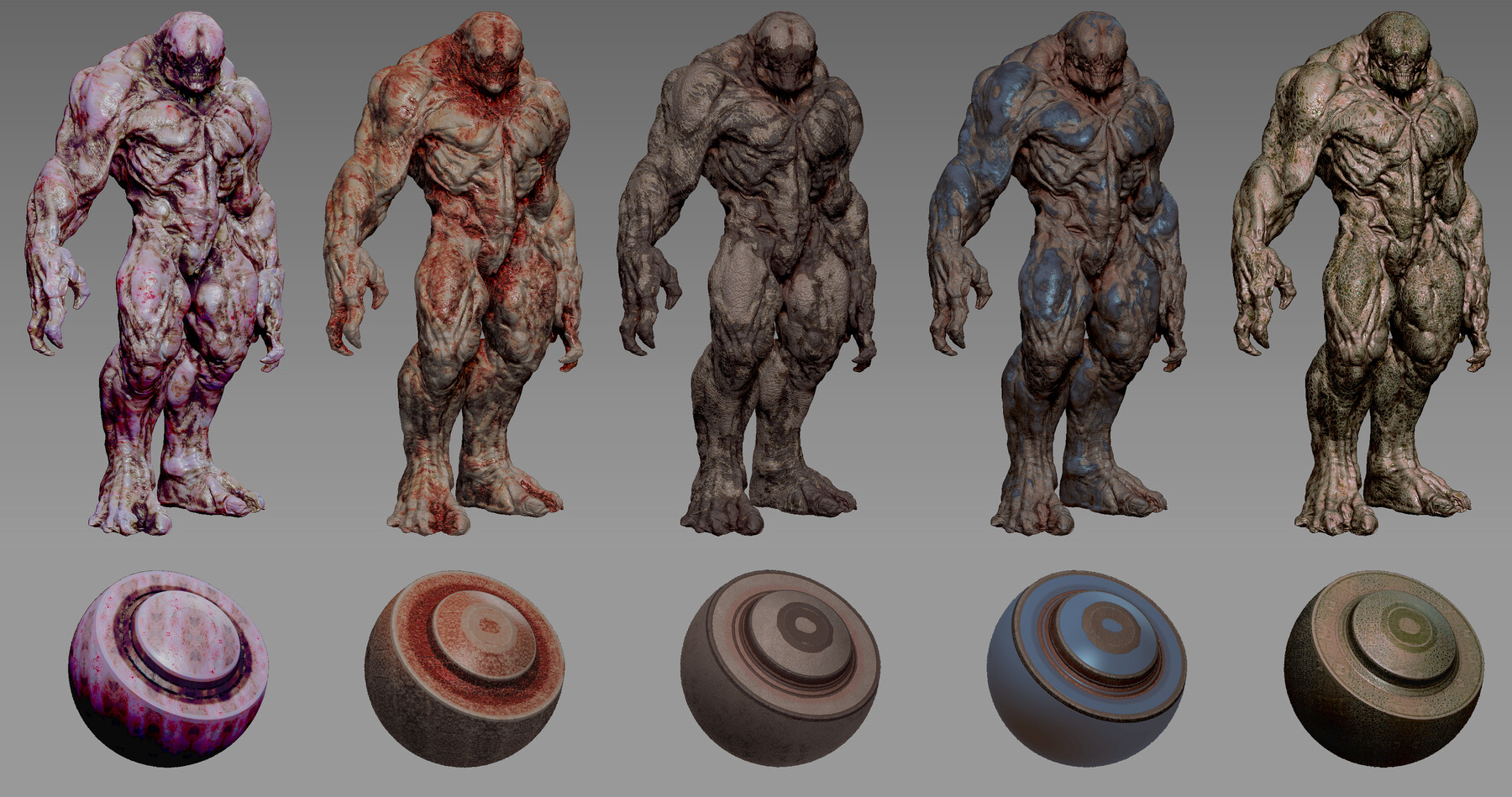
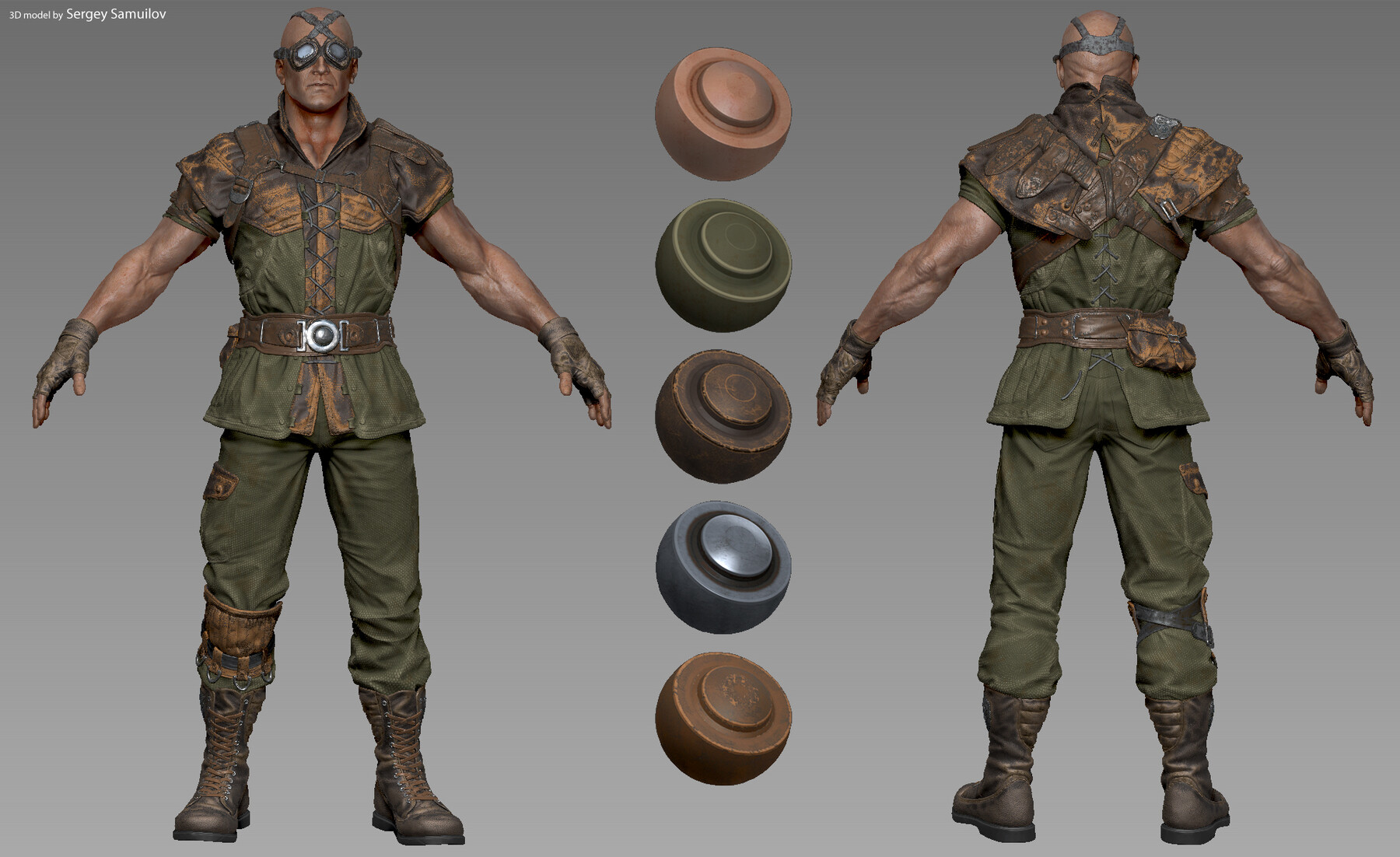
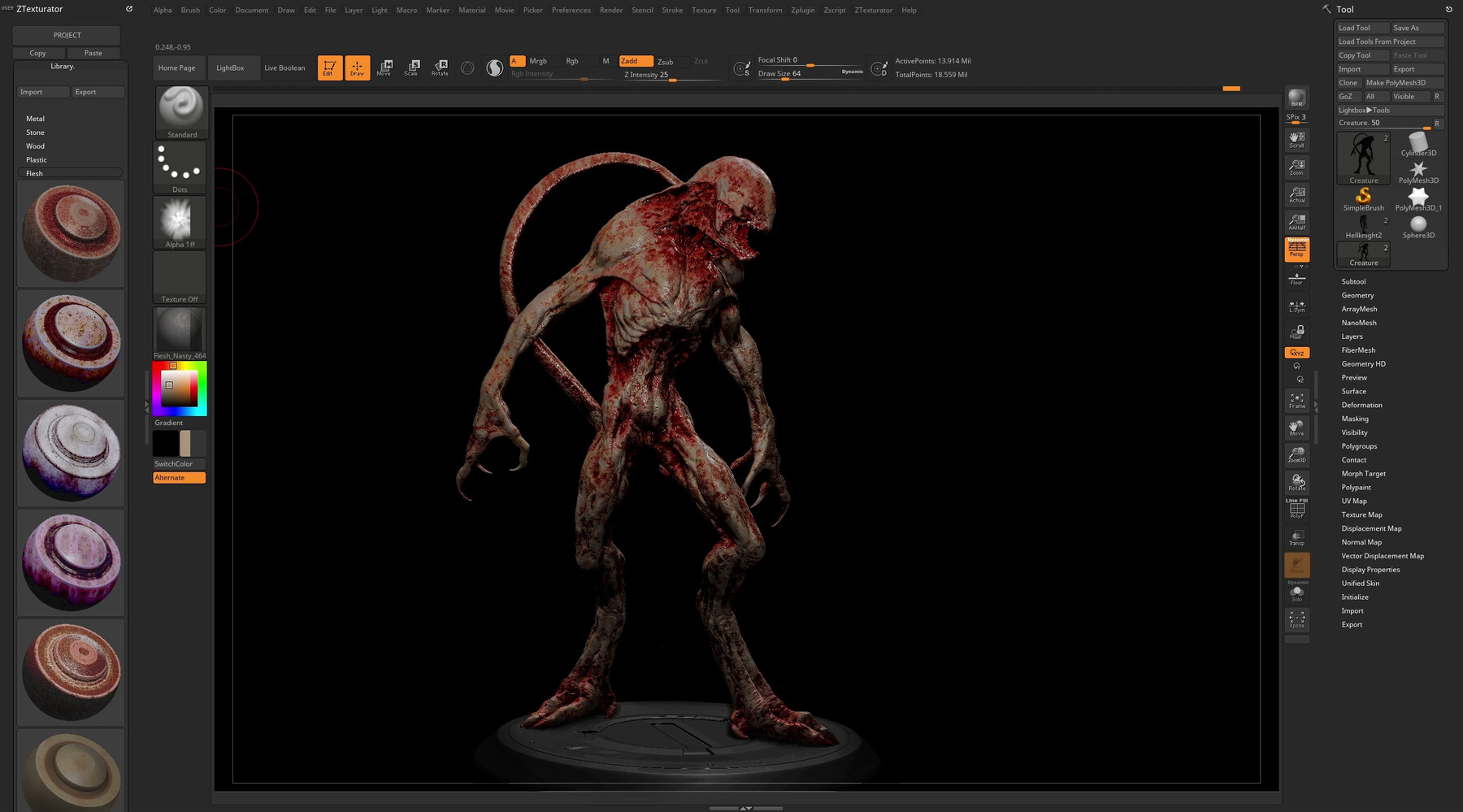
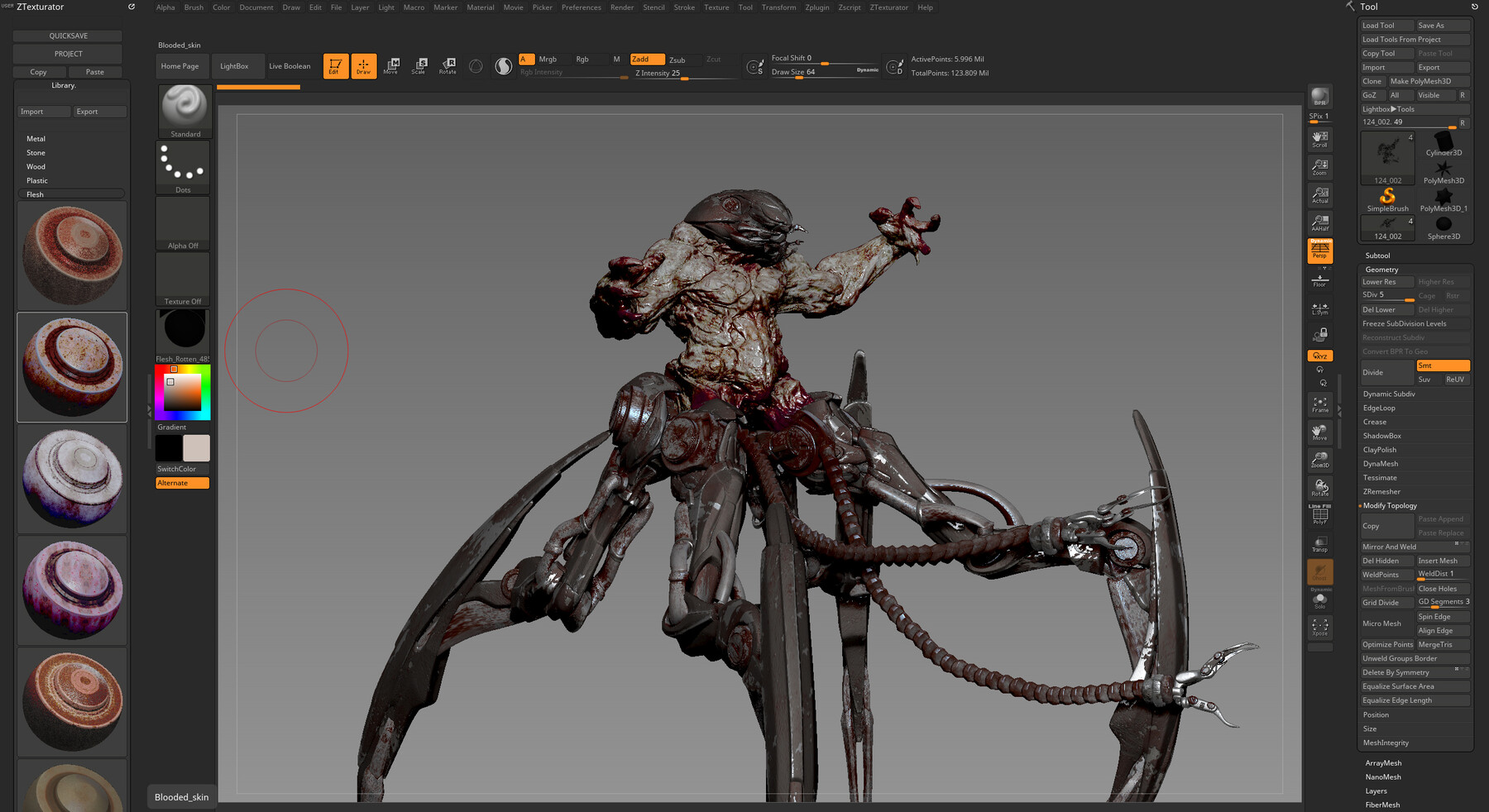
- LIBRARY MENU: In this menu, you will be able to access a lot of smart presets for different material types : metal, stone, wood, flesh, cloth, etc.( In the PRO license, you will be able to import / export, or create and share your own library and presets.)
- PRO UV: If your model does not have UVs, you can activate the Procedure UV mode, which will allow you to work on your model without needing UV mapping anymore. (available only in the PRO license)
- ZTMIXER: In this menu, you will be able to Compile multiple textures or colors by: Cavity, Peaks, Curve, Edge, Ao, etc masks, You will also be able to set the offset, fading or tiling of the mask effects.( In the PRO license, you will be able to set custom alpha or texture for the mask projections.)
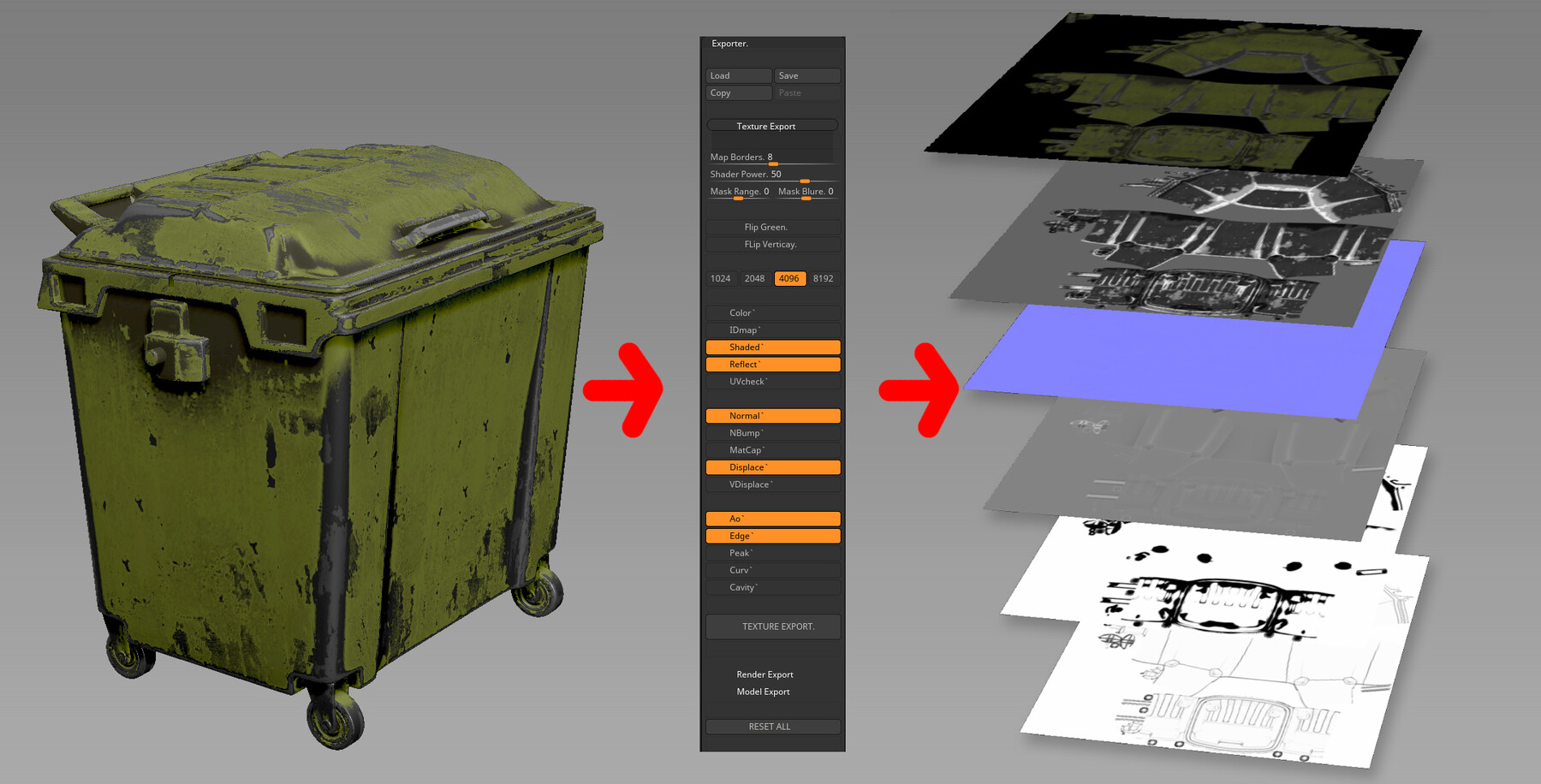
- EXPORTER: will allow you to export ZTexturator textures : Color, IDMap, Shaded, Reflect, UVcheck, NBump , Normal, Displace, VDisplace, Ao , Cavy, Edge, Curve etc. (In the PRO license, you will be able to export maps up to 8192 / 8192 resolution. LITE license is locked to 1024 / 1024)
- MORE FEATURES
- Quicksave: will automatically save your ZTexturator project with all ZTexturator settings (only in the PRO license).
- Load / Save or Import / Export: Will allow you to load/save your ZTexturator project or import/export custom scene preset. (only in the PRO license).
- Initialize: Initialize will help you make different material ID's for each subtool. Ztextuurator will read and apply different Smart presets to each ID. You can use this option when you start texturing your model.
- BlrSm: This operation will blend/blur the UV seams of the polypaint. You can use this operation if you have visible seams on your textured model.(available only in the PRO license)
- Viewport: will allow you to adjust the Contrst , Brightness , Gamma of your texture / model. This adjustments will affect not only your model but also your exported Shaded/Reflect textures from ZTexturator.The idea is what you see in the viewport is what you will get as a texture.
- Lighting: will allow you to change the ligting on your texture / model. This adjustments will affect not only your model but also your exported Shaded/Reflect textures from ZTexturator. The idea is what you see in the viewport is what you will get as a texture.
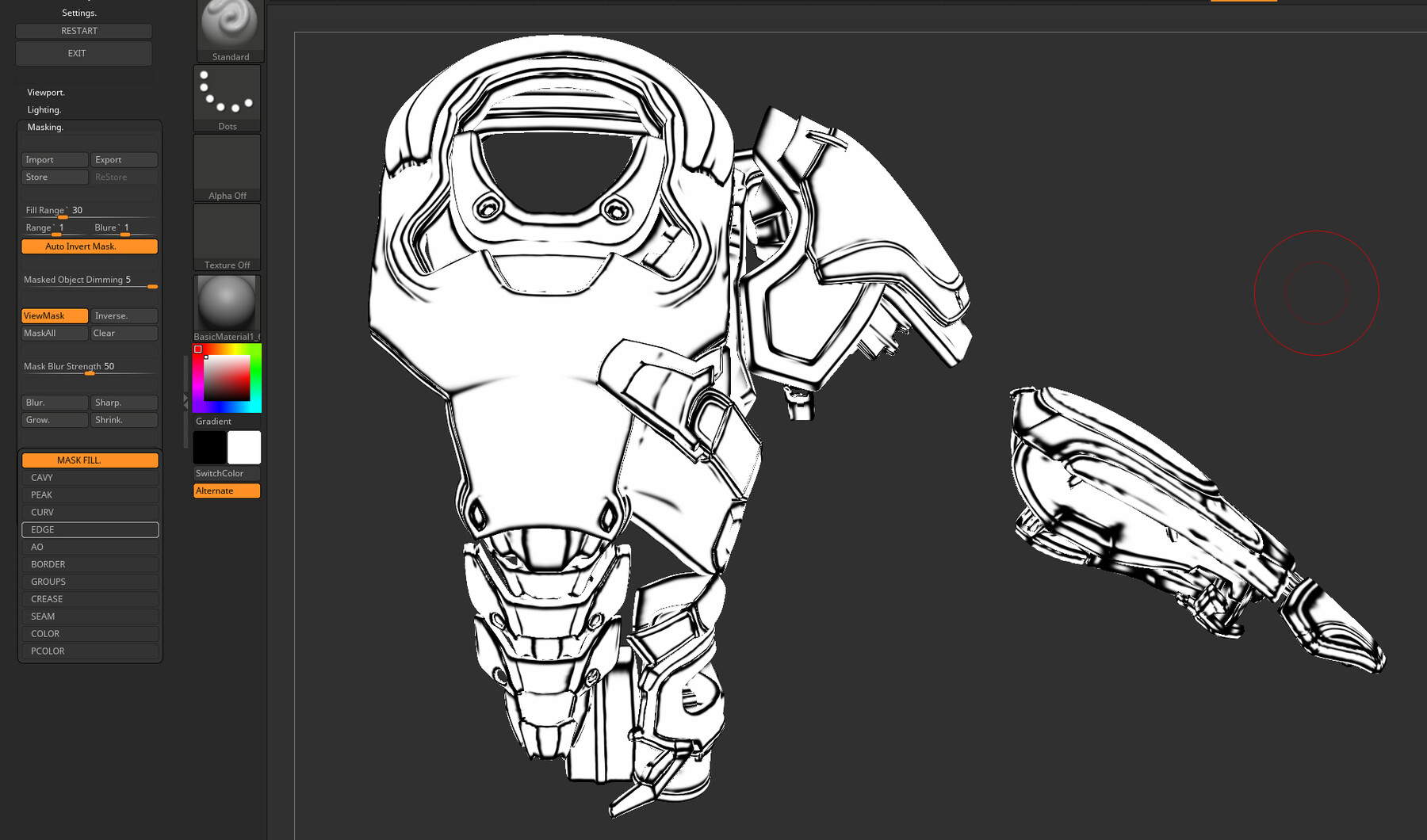
- Masking: will allow you to make easy masks on your model or import/export it : Cavity, Peaks, Curve, Edge, Ao, Seam, Border, Group, etc.( import/export mask works only in the PRO license )
- Painting: will allow you to project easy polypaint on your model by selected color or texture.
- Shading: will allow you to edit the shader on your texture: all changes to the shader will affect the exported texture maps. For example if you add specular to some specific areas on your shader the exported Reflection texture from ZTexturator will include all this info. Same goes to the colors, if you add colors of your shader and export Shaded texture from ZTexturator it will have the same colors info etc.The idea is what you see in the viewport is what you will get as a texture.
- Shader Painting: After you Compile your model with some preset or your custom preset, you can simply draw on the model a specular map or color map. To do this, you just need to pick the color of the area of the model that you like, and then the drawing with this color on the model will have the same effect. (Example: If you pick a color from the specular part of the model, you will draw a specular; if you pick a color without a specular, you will draw just the same matte color.)
- And much more..
- LICENSE: There are two types of licenses: LITE and PRO: In the LITE license some of the plugin features are locked. Both licenses are Single user: You can use the tool for unlimited commercial or noncommercial projects like games , movies , commercials etc. You can't resell the plugin as a single product or share it with more users.
- THIS IS NOT REFUNDABLE!!! You are buying a digital product, you cannot physically give the product back to fairly get your money back. I am giving this warning for anyone that buys and then asks for a refund for any reason. However If you have any questions you can send a message to the support mail and you will get all the help that you need.
- ACTIVATION CODE: If you have bought the PRO license. To get the activation code. You just need to send a message to the support mail with your invoice attached and your license code that you will get from ZTexturator after lauch it.
- 3D Models used for the preview: Turbosquid, 3Dscanstore, Sketchlab, Sergey Samuilov, Nikolay Naydenov, Tsvetomir Georgiev
Support email: cecopsychoart@yahoo.com
BTW: If you like this plugin you can take a look on my other plugins in my profole: https://www.artstation.com/cecoaliensa/store
Video links:
Release Notes
up